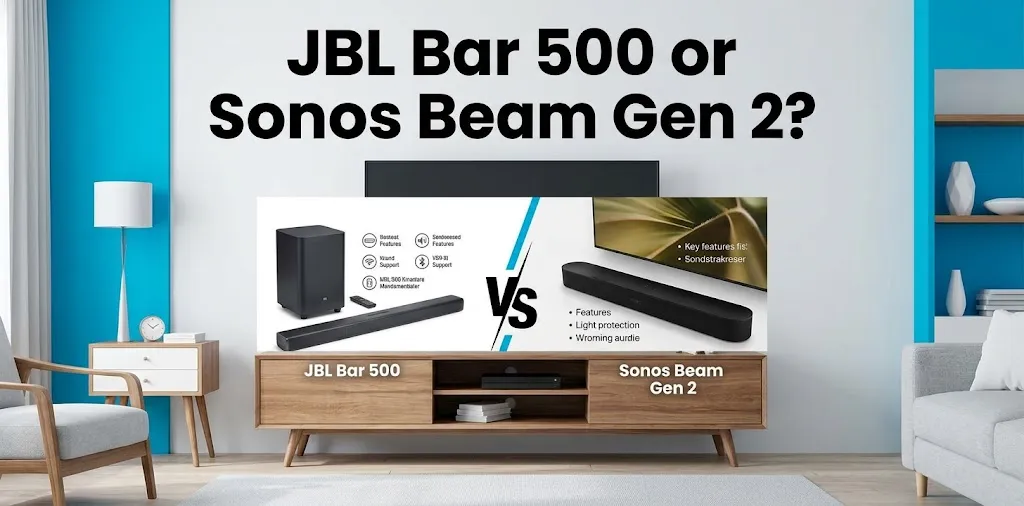
JBL Bar 500 or Sonos Beam Gen 2? Which is easier to set up?

The Sonos Beam Gen 2 is generally easier to set up if you want a simple, guided installation with minimal cable and configuration work. The JBL Bar 500 is also straightforward, especially with HDMI eARC, but its larger system and separate wireless subwoofer add a few more steps. For the least hassle, Beam Gen 2 has the edge.
JBL Bar 500 vs. Sonos Beam Gen 2 setup at a glance
| Setup factor | JBL Bar 500 | Sonos Beam Gen 2 |
|---|---|---|
| Main connection | HDMI eARC/ARC or optical | HDMI eARC/ARC or optical adapter |
| Separate subwoofer | Yes | No |
| Wireless subwoofer pairing | Automatic wireless connection | Not applicable |
| Setup app | JBL One | Sonos app |
| TV setup | Simple | Simple |
| Wi-Fi setup | Optional for basic TV sound, useful for smart features | Central to the Sonos experience |
| Voice assistant setup | Depends on configuration | Available through supported Sonos features |
| Overall setup difficulty | Easy | Very easy |
| Best for | Buyers who want a soundbar plus bass-focused system | Buyers who want a streamlined, guided setup |
| Available |  | |
Both soundbars are designed for home-theater use rather than complicated receiver-and-speaker installations. The biggest practical difference is that the JBL Bar 500 includes a separate wireless subwoofer, while the Beam Gen 2 is a single soundbar.
How easy is the JBL Bar 500 to set up?
The JBL Bar 500 is fairly beginner-friendly. For a typical TV setup, you connect the soundbar to the TV using HDMI eARC or ARC, plug in the soundbar and subwoofer, and follow the instructions in the JBL One app if you want to configure its connected features.
The wireless subwoofer is an advantage because you don’t have to run a speaker cable from the soundbar to the subwoofer. You can place the subwoofer separately in the room and let it connect wirelessly.
The extra component does, however, mean there is one more device to position and power.
JBL Bar 500 setup steps
A typical installation looks like this:
- Place the JBL Bar 500 below or in front of your TV.
- Put the wireless subwoofer somewhere suitable in the room.
- Connect the soundbar to the TV’s HDMI eARC or ARC port.
- Connect both units to power.
- Select the appropriate audio output on the TV if necessary.
- Use the JBL One app for additional setup and customization.
- Test the TV audio and adjust the system to your room and preferences.
For someone replacing basic TV speakers, this should not feel difficult. The main thing to watch for is using the correct HDMI port on the TV.
How easy is the Sonos Beam Gen 2 to set up?
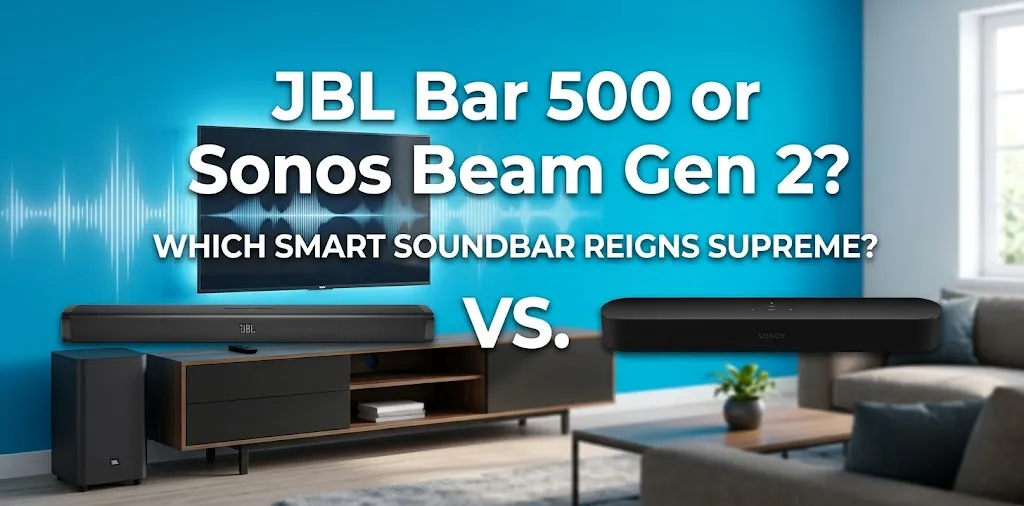
The Sonos Beam Gen 2 is particularly simple if you want a guided setup process. You connect the Beam to the TV, install the Sonos app, and follow the on-screen instructions.
Because the Beam Gen 2 does not have a separate subwoofer included, there are fewer physical components to place and connect.
That makes a noticeable difference for a first-time soundbar buyer. You don’t have to decide where to position a subwoofer or troubleshoot a wireless subwoofer connection.
Sonos Beam Gen 2 setup steps
For a basic setup:
- Place the Beam below the TV.
- Connect the included HDMI cable to the TV’s HDMI ARC or eARC port.
- Plug the Beam into power.
- Open the Sonos app.
- Follow the setup instructions.
- Complete the TV audio configuration.
- Test the sound.
If your TV supports HDMI eARC or ARC, the process is especially clean because the television can send audio to the soundbar through the HDMI connection.
Which one has the simpler physical setup?
Sonos Beam Gen 2 wins.
The reason is simple: it is a single soundbar. The JBL Bar 500 comes with a separate wireless subwoofer, which is useful for sound quality but adds another physical component to the room.
That does not make the JBL difficult. It simply gives you more things to position and connect.
For example, imagine you are setting up a soundbar in a small apartment and want the fewest possible devices around the TV. The Beam Gen 2 is easier because you can concentrate on positioning one unit rather than finding a suitable location for both a soundbar and subwoofer.
On the other hand, if you specifically want stronger low-frequency impact, the JBL’s separate subwoofer can make the additional setup worthwhile.
Which app is easier to use?
Both manufacturers use apps to handle setup and additional features, but the experience is different.
The Sonos app is built around the company’s connected audio ecosystem. It can guide you through adding the Beam to your system and configuring its features.
The JBL One app handles setup and settings for compatible JBL products and gives you access to additional controls.
For a person who simply wants to connect a soundbar to a TV and start watching movies, neither app should be a major obstacle. The bigger difference is that Sonos places more emphasis on app-based configuration and its multi-room ecosystem.
Does the JBL Bar 500 require more work because of the subwoofer?
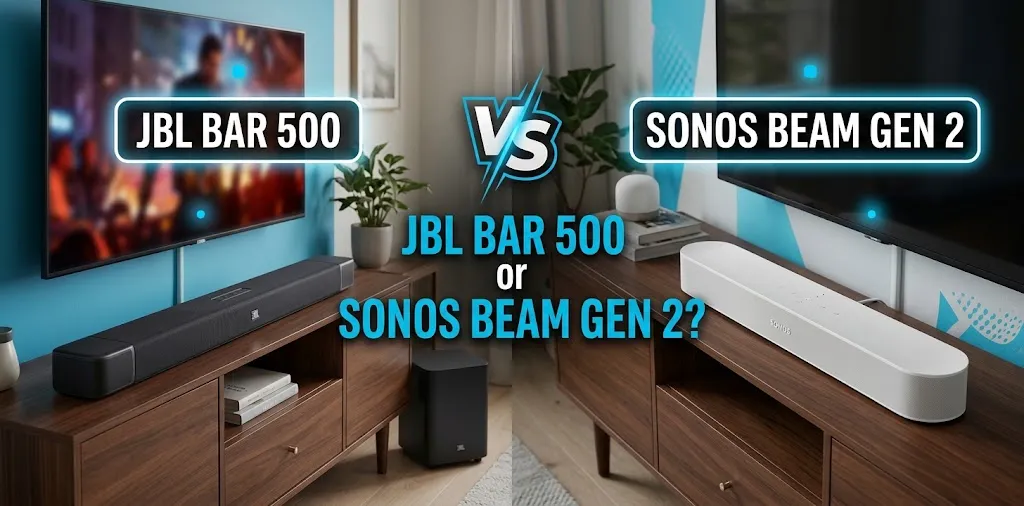
A little, but not nearly as much as a traditional wired surround-sound system.
The Bar 500’s subwoofer connects wirelessly, so you don’t need to run an audio cable between the two components. You still need to plug the subwoofer into a power outlet and decide where to place it.
This is an important distinction: the JBL Bar 500 is not difficult to set up; it simply has more hardware to set up. If you are comfortable plugging in two devices, the difference is minor.
What about setting up Dolby Atmos?
Both models support Dolby Atmos, but getting the intended experience depends heavily on your TV and its connections.
For either soundbar, HDMI eARC or ARC is generally the connection you should look for when setting up a modern home-theater system. Your TV also needs to support the relevant audio formats and pass them correctly to the soundbar.
This is where some setup problems come from—not from the soundbars themselves, but from TV audio settings.
If Atmos isn’t working, check:
- Whether the soundbar is connected to the TV’s HDMI ARC/eARC port
- Whether the TV’s audio output is configured correctly
- Whether the streaming device or app is providing an Atmos-compatible soundtrack
- Whether the TV supports the required audio passthrough
So while both systems are designed to be easy to install, your TV’s capabilities can have a bigger impact on the final setup than the difference between the two soundbars.
Which is easier for a first-time soundbar buyer?
The Sonos Beam Gen 2 is the safer choice for someone who wants the simplest possible installation.
Its single-unit design removes the need to position and power a separate subwoofer. The Sonos app also provides guided setup, which can be helpful if you have never configured a connected soundbar before.
The JBL Bar 500 is still a good beginner option, particularly if you want a more complete system with a dedicated subwoofer without having to build a traditional home-theater setup.
Which one should you choose?
The answer depends on what you mean by “easy.”
| If your priority is… | Better choice |
|---|---|
| Simplest physical installation | Sonos Beam Gen 2 |
| Fewer components | Sonos Beam Gen 2 |
| Guided app-based setup | Sonos Beam Gen 2 |
| Dedicated wireless subwoofer | JBL Bar 500 |
| Stronger bass-focused setup out of the box | JBL Bar 500 |
| Easy setup without building a full home theater | Either |
Consider a typical movie-watching setup. If you want to unpack one device, connect it to the TV, complete the app setup, and move on, the Beam Gen 2 makes more sense.
If you’re willing to spend a few extra minutes positioning a subwoofer because you want the impact of dedicated bass, the JBL Bar 500’s slightly more involved setup may be a better trade-off.
FAQ
Still deciding between the JBL Bar 500 and Sonos Beam Gen 2? These common questions can help clear up any remaining confusion about setup, connections, and which soundbar is easier to get started with.
Is the JBL Bar 500 harder to set up than the Sonos Beam Gen 2?
Not significantly. Both are designed for relatively simple home installation, but the JBL Bar 500 has an additional wireless subwoofer that must be positioned and connected to power. That makes the Sonos Beam Gen 2 slightly simpler overall.
Can I set up either soundbar without a receiver?
Yes. Neither soundbar requires a separate AV receiver for a basic TV setup. You can connect the soundbar directly to a compatible TV using HDMI ARC or eARC.
Which is better for someone who wants the least setup hassle?
The Sonos Beam Gen 2 is the better fit if minimizing setup is your top priority. Its single-unit design means fewer components to position, while the JBL Bar 500 is worth considering if you prefer having a dedicated wireless subwoofer.
Final verdict
If the question is strictly which is easier to set up, the Sonos Beam Gen 2 wins. It has fewer physical components and offers a straightforward app-guided setup.
The JBL Bar 500 is still easy enough for most beginners, and its separate wireless subwoofer gives you an important benefit for bass-heavy movies and music. If you want the simplest installation, choose the Beam Gen 2; if you’re willing to accept a little extra setup for a dedicated subwoofer, the Bar 500 is the more compelling option.